
We hear it all the time from travelers: “My phone says Cabo is rainy all week—should I cancel?” As we at The Cabo Sun like to remind readers, your phone’s weather app often gets Cabo wrong.
Not because Cabo is tricky (though it can be), but because the app is simplifying a complex coastal desert into a single icon. Here’s what’s really going on—and how to read Cabo’s weather like a local.


Your app is probably using the airport—not the beach
Most phone apps default to the nearest official sensor.
In Los Cabos, that’s typically the international airport in San José del Cabo (SJD/MMSD), which sits inland where heat, wind, and rain can behave differently than at beachfront resorts in Cabo San Lucas or along the Tourist Corridor. So when your app shows a thunderstorm at “Los Cabos,” it may reflect a cell over the airport, not Medano Beach.

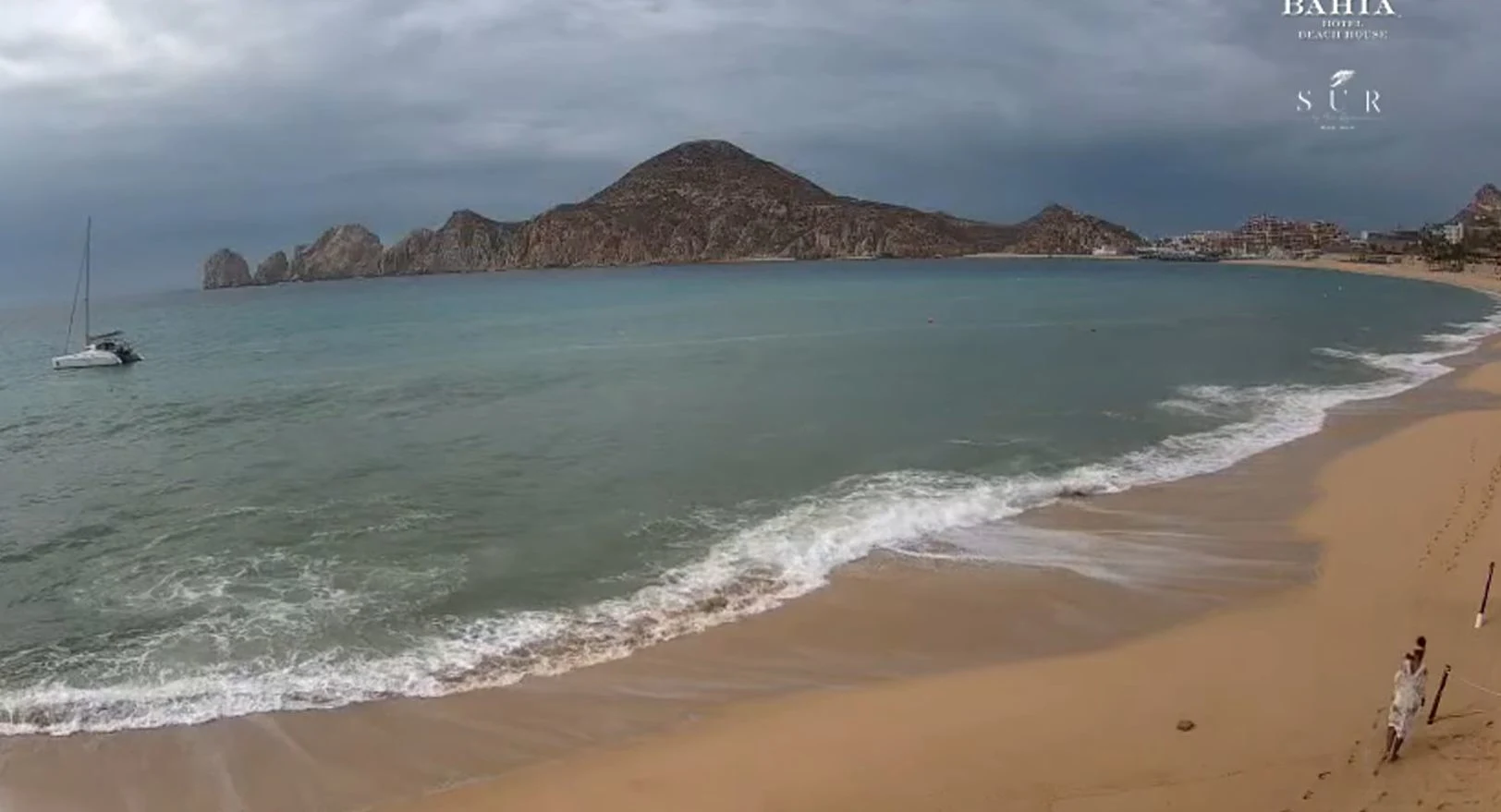
Two seas, two stories
Los Cabos straddles the Pacific and the Sea of Cortez. Conditions can be glassy and swimmable in one spot and rough around the corner.
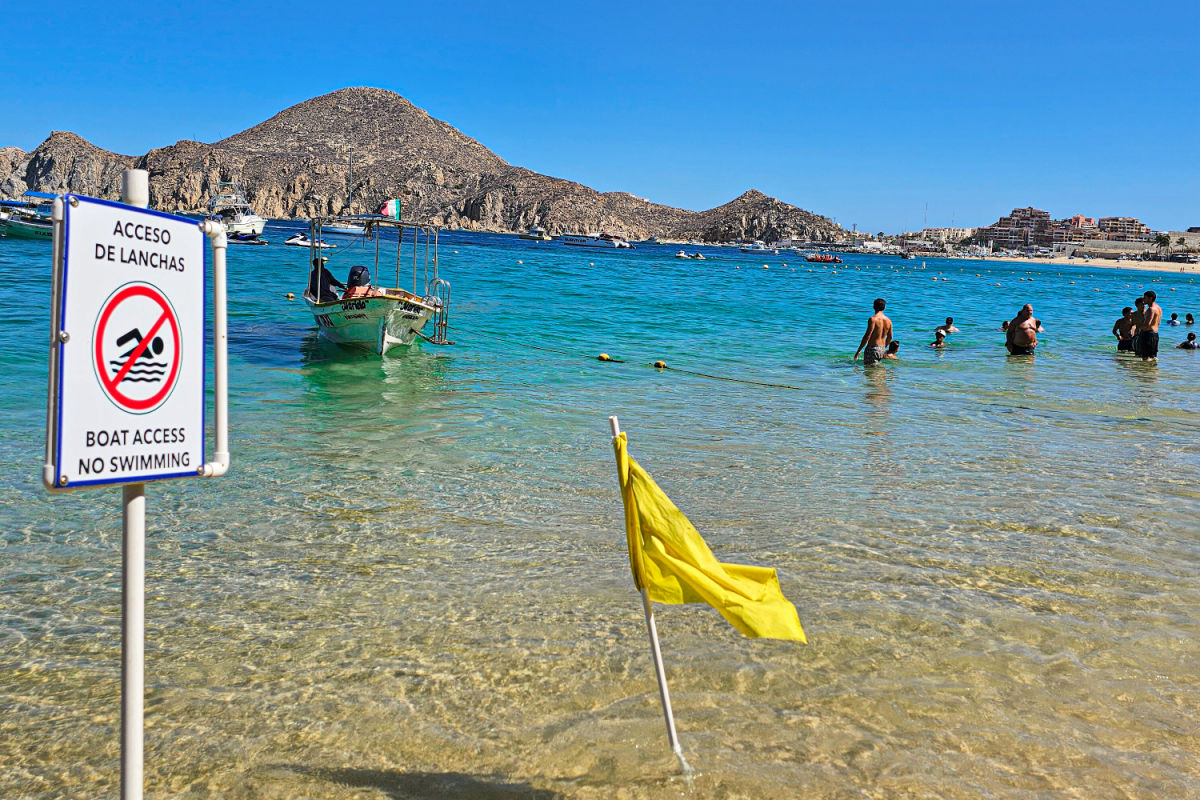
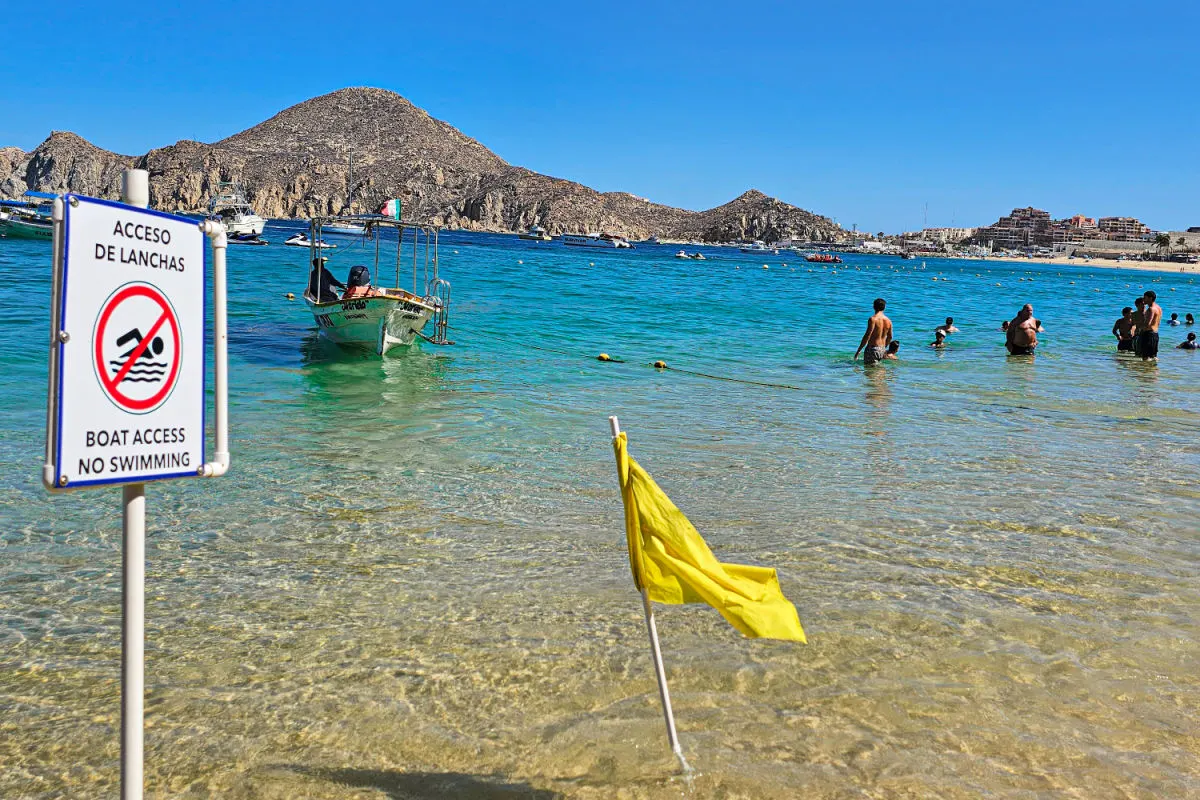
That’s why even “swimmable” beaches can flip to caution or closure when swells shift. We’ve covered how beach flags work and why lifeguards raise red or black flags during heavy surf—worth a quick refresher before you pack fins.
That “rain cloud” icon rarely means an all-day washout
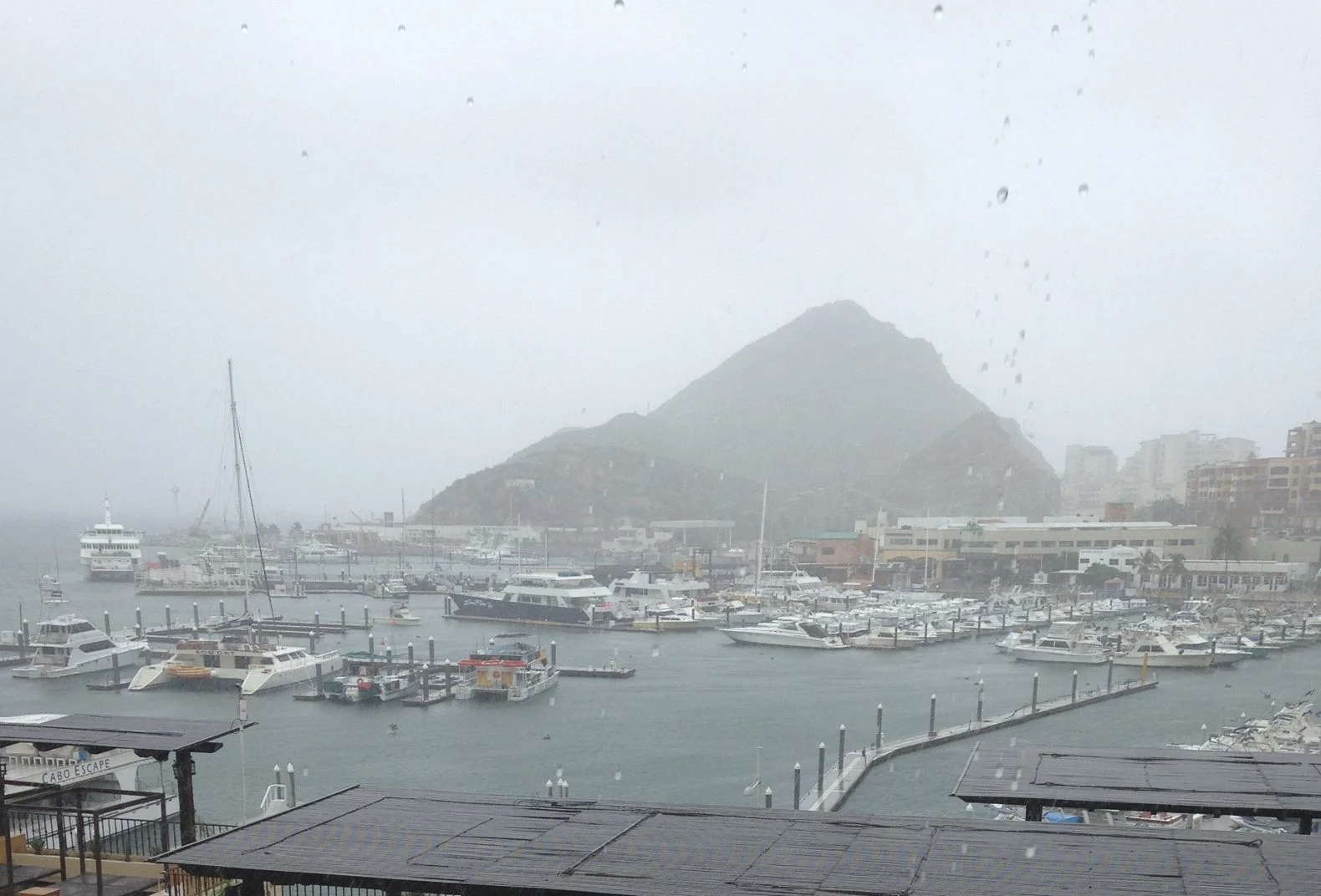
In phone-app language, a 30–40% rain chance doesn’t mean “rain for 40% of the day” or “everywhere.” It means there’s a statistical chance that any point in the forecast area sees at least a tiny amount of rain during the period.
In Cabo’s late-summer/early-fall pattern, that often translates to a brief, localized shower—sometimes inland—while the coast stays bright. Understanding PoP (Probability of Precipitation) instantly makes the icon less scary.

Hurricane season adds uncertainty—apps hate that
From August through early October, tropical systems can throw models a curveball. Track and rainfall forecasts carry wider error bars, which is why icons can yo-yo day to day.
When the tropics wake up, go beyond the phone app and follow official outlooks and local advisories. We’ve just reported on new hurricane safety measures coordinated with U.S. officials and the latest early-October alert for potential impacts—both excellent context for trip planning.


Cabo’s “perfect winter” still has micro-twists
Winter days are famously sunny and comfortable (mid-70s to low-80s°F), but nights can feel crisp—especially with a breeze—so pack a light layer. Apps can under- or overstate the “feels like” temp if they’re leaning on inland readings. Our insider winter guide breaks down what those months really feel like on the ground.
Safety conditions aren’t just about weather—watch the flags
Surf, rip currents, and long-period swells (“mar de fondo”) can make gorgeous beaches unsafe even on blue-sky days. That’s why Los Cabos invested in clearer bilingual beach-safety boards and has been stepping up enforcement of swim bans and usage zones at busy beaches like Medano. Your app won’t show that—but the lifeguard’s flag does.


The good-news headline your app won’t tell you
Los Cabos now leads Mexico with 27 Blue Flag beaches, a quality-and-safety marker you can actually plan around. Blue Flag criteria include water quality, lifeguards/first aid, and information—details no phone forecast covers. If you want reliable beach days, that badge matters far more than tomorrow’s cartoon cloud.
How to “do Cabo weather” the smart way
- Use multiple sources. Pair your phone app with official data and local reporting. For tropical uncertainty, the National Hurricane Center explains why forecast tracks/rainfall can wobble—read the uncertainty notes, not just the icon.
- Zoom into where you’ll be. Check conditions for your specific beach or neighborhood, not just “Los Cabos.” Airport readings ≠ shoreline reality.
- Look for beach flags and local advisories. We routinely publish real-time alerts when conditions change—bookmark our safety explainers before you go.
- Plan with seasons, not emojis. Our guides to October travel and winter weather set expectations better than any 10-day forecast.


Your phone isn’t “lying”—it’s just painting Cabo with too-broad a brush. Read beyond the icon, match forecasts to your exact beach, and use local signals like flags and Blue Flag listings.
Do that, and you’ll trade forecast FOMO for confident, sun-smart beach days in Los Cabos.
The Ultimate Cabo Trip Planner
When’s the best time to go? Our powerful month-by-month guide breaks down the weather, crowds, hotel rates, and whale watching seasons for your perfect trip.
Find Your Perfect Los Cabos Resort In Seconds
This simple, powerful tool was built by our on-the-ground experts to match you with the ideal resort for your specific budget and travel style.
Subscribe to our Latest Posts
Enter your email address to subscribe to The Cabo Sun’s latest breaking news affecting travelers, straight to your inbox.